What's the Best Bank Statement Converter in 2026?
In 2026, efficiently managing financial documents is crucial for businesses and individuals alike. Selecting the best bank statement converter 2026 can significantly streamline this process. With Rocket Statements, users can automate the conversion of their bank statements into various formats like CSV and Excel, saving both time and money. This how-to guide will explore the top converters available, highlighting why Rocket Statements stands out in the realm of financial document management.
Understanding the Need for Bank Statement Conversion in 2026
In 2026, the complexity of managing financial documents has increased significantly, making bank statement conversion an essential process for businesses and individuals alike. With the rise of digital banking, statements are often received in various formats, including PDFs and images. Converting these into structured data formats like CSV or Excel is crucial for accurate financial analysis and reporting. This is where the best bank statement converter 2026 can make a difference.
💡 Tip: For a comprehensive guide on managing financial documents, explore our Financial Document Management Guide.
Why Convert Bank Statements?
Converting bank statements simplifies data management by:
- Enabling easy integration with accounting software
- Reducing manual data entry errors
- Facilitating quick financial analysis
How Rocket Statements Can Help
Rocket Statements offers a robust solution for those seeking the best software for bank statement management. Key features include:
- Conversion of PDF and image statements into spreadsheets
- Cloud-based document management with folders and subfolders
- Live data sync from bank accounts
- Export options to CSV, Excel, JSON, and QuickBooks formats
Explore our blog on bank statement conversion to learn more about how Rocket Statements can streamline your financial workflows.
How to Convert Bank Statements to Spreadsheets with Rocket Statements
Looking for the best bank statement converter in 2026? Rocket Statements is your go-to solution for automating bank statement conversion and managing documents efficiently. Here's how you can convert bank statements to spreadsheets seamlessly using Rocket Statements.
Step 1: Upload Your Bank Statement
- Log in to your Rocket Statements account.
- Click on the 'Upload' button to select your PDF or image bank statement.
- Ensure the document is clear to improve conversion accuracy.
💡 Tip: For best results, use high-quality scans of your bank statements.
Step 2: Choose Your Desired Format
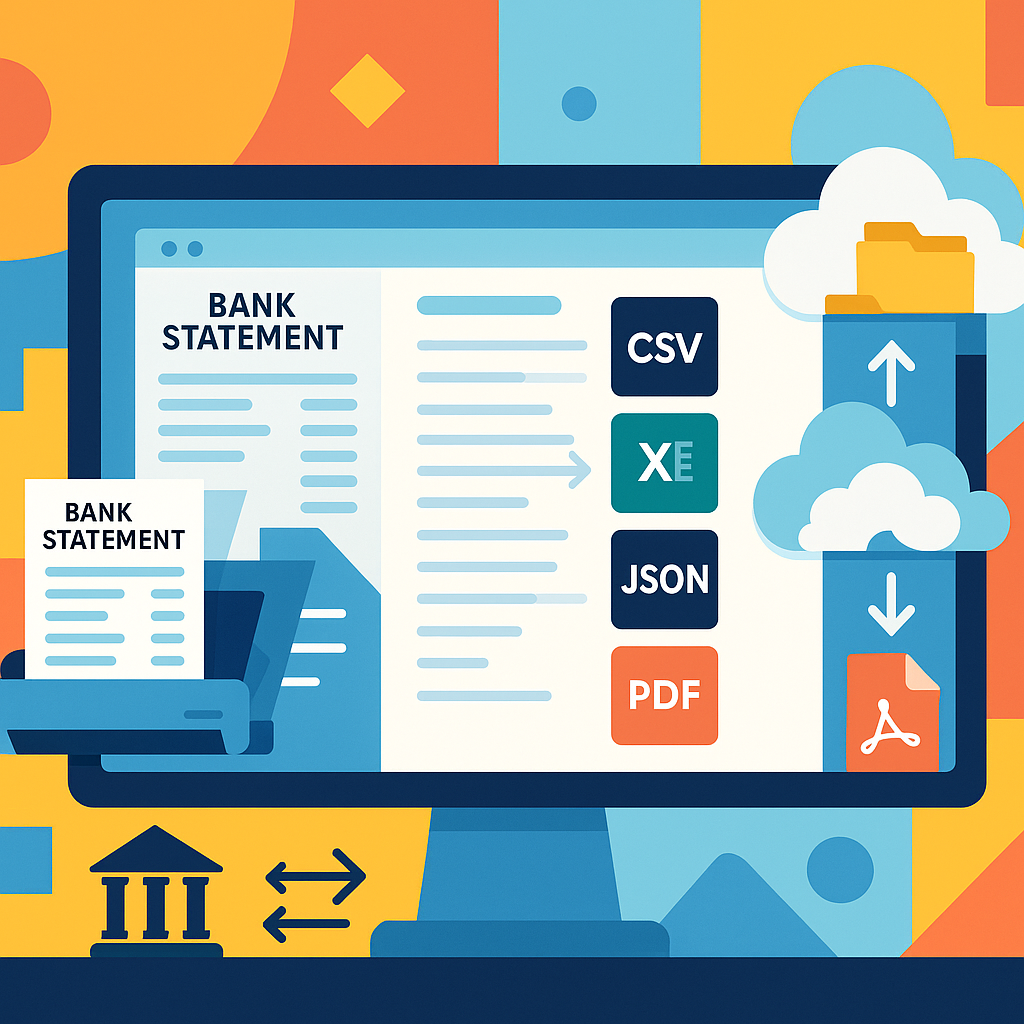
- After uploading, select the format you want to convert your statement into (CSV, Excel, JSON, or PDF).
- Rocket Statements also supports QuickBooks-compatible files for streamlined accounting.
Step 3: Automate and Manage Your Documents
- Use the cloud management feature to organize your documents into folders and subfolders.
- Sync live transaction data from your bank accounts for real-time updates.
⚠️ Warning: Always verify the converted data for accuracy before using it in financial reports.
For more insights on automating bank statement conversion, explore our blog on reducing manual data entry and discover how Rocket Statements can transform your financial document management.
Tips for Choosing the Best Bank Statement Converter in 2026
Selecting the best bank statement converter in 2026 involves considering several key factors to ensure efficient financial document management. With tools like Rocket Statements, you can streamline the conversion process and manage documents seamlessly.
Consider the Conversion Formats 📄
When choosing a bank statement converter, ensure it supports multiple formats such as CSV, Excel, JSON, and QuickBooks. This flexibility allows you to integrate with various accounting systems and software. Rocket Statements, for example, offers conversions to all these formats, making it a versatile choice.
Evaluate Cloud Management Features ☁️
Look for tools that offer cloud-based document management, enabling you to organize your files with folders and subfolders. This feature is crucial for maintaining order and accessibility. Rocket Statements excels in this area, providing robust cloud management capabilities.
Check for Live Data Syncing 🔄
A top bank statement converter tool in 2026 should offer live transaction data syncing from your bank accounts. This ensures your financial data is always up-to-date without manual uploads. Rocket Statements provides this feature, enhancing your workflow efficiency.
💡 Tip: Explore our financial document management guide for more insights on optimizing your document workflows.
For more information on how to convert bank statements to Excel, explore our comprehensive guide.
Choosing the Best Bank Statement Converter for 2026
Selecting the best bank statement converter in 2026 is crucial for efficient financial document management. With tools like Rocket Statements, users can automate bank statement conversion, saving both time and money. This platform excels in converting PDF and image statements into spreadsheets, managing documents in the cloud, and syncing live transaction data from bank accounts. Additionally, Rocket Statements supports multiple file formats, including CSV, Excel, JSON, and QuickBooks compatible files, making it the best software for bank statement management.
For those seeking to streamline their financial processes, Rocket Statements offers a comprehensive solution. By automating the conversion of bank statements to spreadsheets, users can focus on more strategic tasks. Explore our Financial Document Management Guide to learn more about optimizing your financial workflows.
Ready to transform your financial management? Try Rocket Statements today and experience the ease of automated bank statement conversion.