What Actually Makes for a Good Bank Statement Converter in 2026?
What Actually Makes for a Good Bank Statement Converter in 2026?
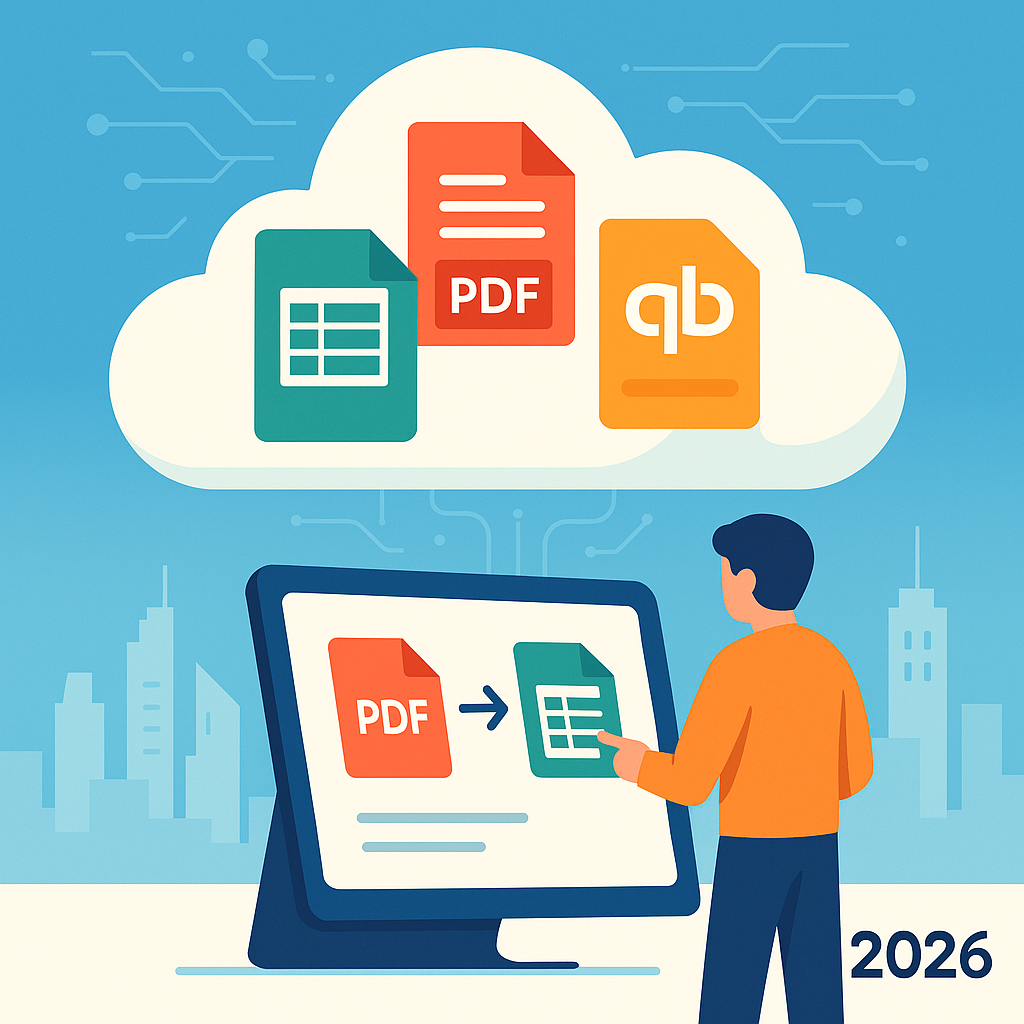
In 2026, the financial landscape demands efficiency and precision, making a reliable Bank Statement Converter essential for businesses and individuals alike. With Rocket Statements, you can seamlessly transform your PDF and image statements into spreadsheets, manage documents in the cloud, and sync live transaction data. Discover what actually makes for a good bank statement converter in 2026 and how it can revolutionize your financial document management. For more insights, explore our comprehensive financial document management guide.
Key Features of the Best Bank Statement Converter 2026
In 2026, the best bank statement converters are defined by their ability to integrate automation and cloud-based solutions seamlessly. These tools not only streamline the conversion process but also enhance the overall management of financial documents. Platforms like Rocket Statements lead the way by offering comprehensive features that cater to these needs.
Automation Capabilities
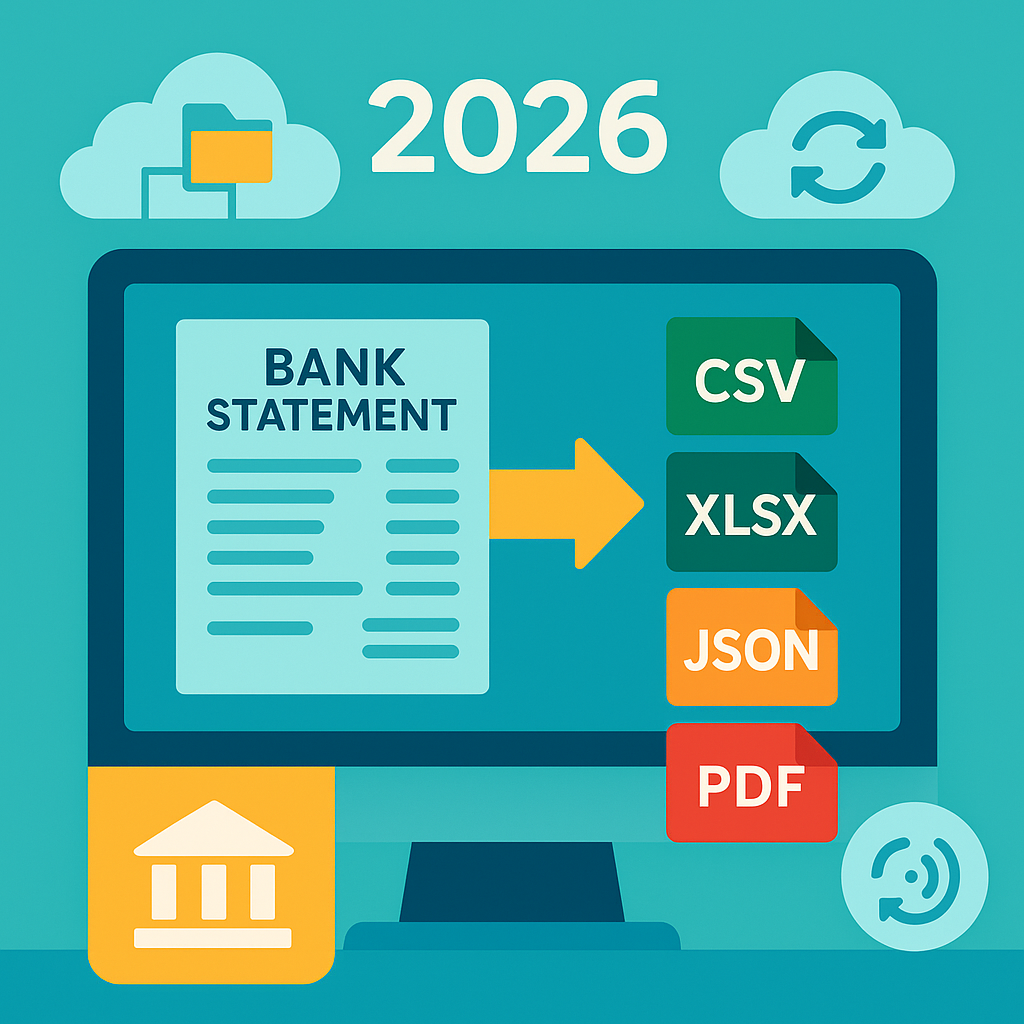
Automation is at the heart of modern bank statement converters. Tools that automate bank statement conversion save time and reduce human error. For instance, Rocket Statements can automatically transform PDF and image statements into various formats like CSV, Excel, and JSON, ensuring data is ready for analysis without manual intervention.
💡 Tip: Automate repetitive tasks to focus on strategic financial planning.
Cloud-Based Document Management
Managing documents in the cloud offers unparalleled convenience and security. A top-tier bank statement converter in 2026 should allow users to organize their documents with folders and subfolders, all accessible from anywhere. Rocket Statements excels in this area, providing robust cloud management features.
Integration with Financial Tools
Seamless integration with financial software is crucial. The best bank statement converters, like Rocket Statements, sync live transaction data directly from bank accounts and are compatible with platforms like QuickBooks. This integration ensures that financial data is always up-to-date and ready for reporting.
⚠️ Warning: Ensure your converter supports the financial tools you use to avoid data compatibility issues.
For more insights on financial document management, explore our comprehensive guide.
FAQs on Bank Statement Conversion in 2026
As we step into 2026, the landscape of bank statement conversion continues to evolve with technology. Here, we address some of the most common questions about bank statement converters, focusing on their functionality and user benefits.
What is a Bank Statement Converter 2026?
A Bank Statement Converter in 2026 is a tool designed to transform your bank statements from formats like PDF and images into structured data formats such as CSV, Excel, JSON, and more. This conversion allows for easier data analysis and integration with financial software.
💡 Tip: Using a converter like Rocket Statements can automate this process and save you significant time.
How Does Rocket Statements Help with Bank Statement Conversion?
Rocket Statements simplifies the conversion process by allowing users to:
- Convert PDF and image statements into spreadsheets
- Sync live transaction data from bank accounts
- Transform statements into QuickBooks-compatible files
For more detailed insights, visit our financial document management guide.
What Are the Benefits of Using a Bank Statement Converter?
Using a bank statement converter offers numerous benefits, including:
- Time-saving: Automates the tedious task of manual data entry.
- Accuracy: Reduces the risk of human error in data transcription.
- Integration: Easily integrates with financial tools like QuickBooks and Google Sheets.
⚠️ Warning: Ensure that your converter supports the latest security protocols to protect sensitive financial data.
Can I Manage My Converted Bank Statements in the Cloud?
Absolutely! With Rocket Statements, you can manage your documents in the cloud using folders and subfolders. This feature ensures that your financial documents are organized and accessible from anywhere, enhancing your document management efficiency.
For more on how to convert PDF statements to spreadsheets and manage them effectively, check out our blog on how to convert bank PDFs to spreadsheets for your small business.
Templates and Examples for Effective Bank Statement Conversion
In 2026, a good bank statement converter like Rocket Statements is essential for managing financial documents efficiently. By automating the conversion of PDF statements to spreadsheets, users can save time and reduce errors. Here, we provide templates and examples to illustrate the conversion process and document management strategies.
Step-by-Step Guide to Automate Bank Statement Conversion
- Upload Your Statement: Start by uploading your PDF or image bank statement to Rocket Statements.
- Select Output Format: Choose from various formats such as CSV, Excel, JSON, or QuickBooks-compatible files.
- Process and Review: Let Rocket Statements automate the data extraction and conversion. Review the output for accuracy.
- Organize in the Cloud: Use the platform's cloud storage to organize documents into folders and subfolders for easy access.
💡 Tip: Regularly sync live transactions from your bank accounts to keep your data up-to-date.
Learn more about syncing bank transactions.
Example: Converting PDF Statements to Spreadsheets
Imagine you have a PDF statement from your bank. With Rocket Statements:
- Upload the PDF: Drag and drop your file into the platform.
- Choose Spreadsheet Format: Opt for Excel or CSV based on your needs.
- Download and Use: Once converted, download the spreadsheet for analysis or import into accounting software.
Document Management Strategies
- Use Folders and Subfolders: Categorize documents by year, month, or type for streamlined access.
- Leverage Cloud Storage: Access your documents from anywhere, ensuring you never lose important files.
- Integrate with Accounting Tools: Seamlessly import converted files into QuickBooks or other accounting platforms.
For more insights on financial document management, check out our comprehensive guide.
Elevate Your Financial Management with Rocket Statements
In 2026, the Bank Statement Converter 2026 landscape is defined by efficiency and innovation. The best bank statement converter 2026 should seamlessly convert PDF statements to spreadsheets, automate bank statement conversion, and integrate with cloud document management for bank statements. Rocket Statements stands out by offering these essential features. It enables users to convert their PDF and image statements into spreadsheets, manage documents in the cloud, and transform statements into various formats like CSV, Excel, JSON, and QuickBooks-compatible files. By automating the conversion process and syncing live transaction data, Rocket Statements helps users save time and money.
For more insights into optimizing your financial document management, explore our Financial Document Management Guide.
Ready to transform your financial workflows? Discover how Rocket Statements can streamline your processes today.